Learn a Language on a Layover: The Best Apps and Real-Life Practice Scenarios for an Airport Sprint
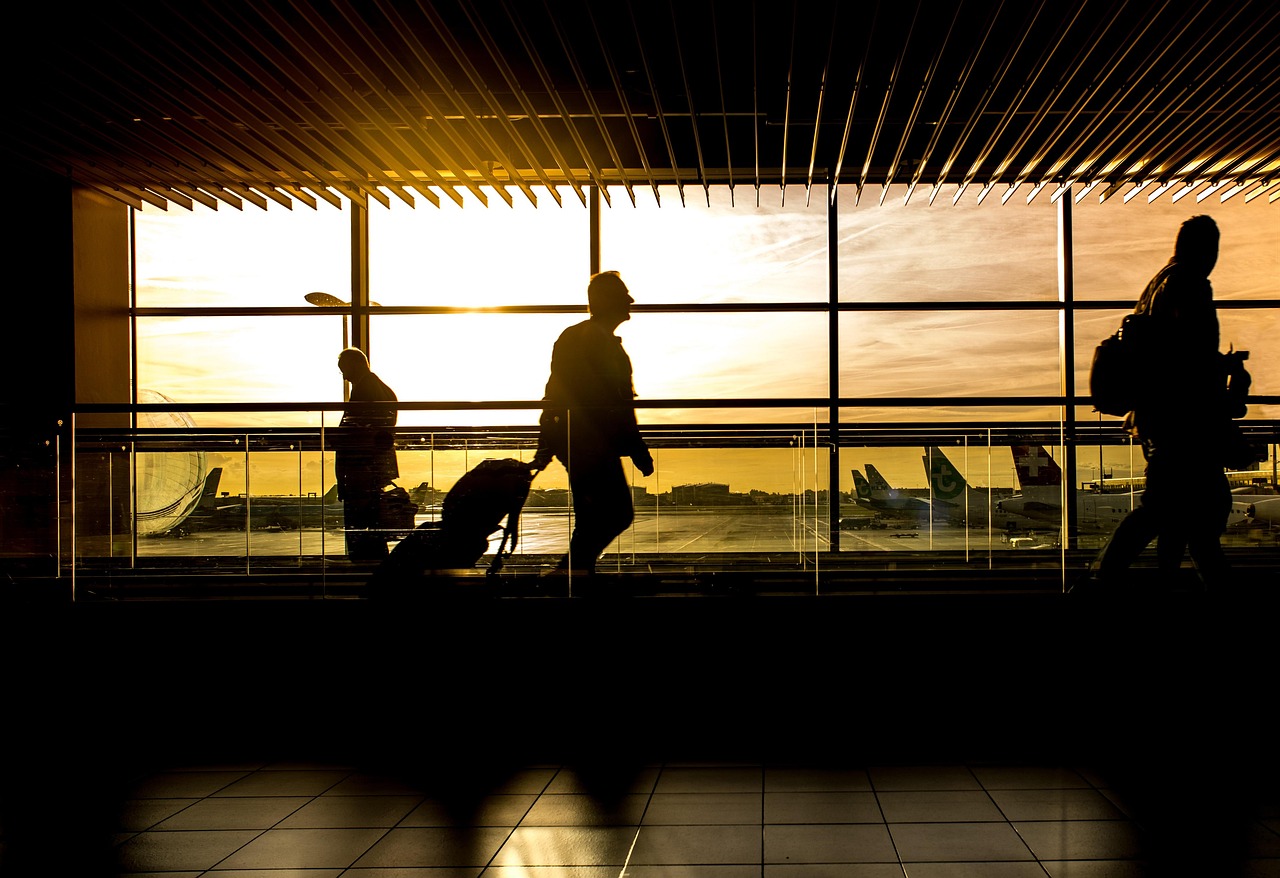
The Cathay Pacific lounge at Hong Kong International Airport has started offering 15-minute “language boost” sessions — a laminated card on the sushi counter near Gate 23 invites you to learn how to order maguro in Japanese before your flight to Narita. It is a small gesture, but it speaks to a larger shift in how frequent flyers are treating transit time. In 2024, the International Air Transport Association (IATA) reported that average connecting times at major hubs like HKG, Changi, and Incheon have shrunk by roughly 12 minutes since 2019 due to more efficient scheduling and automated transfers. That means the classic “four-hour layover” is now often a tight 2.5-hour window. But for those who plan ahead, even a 90-minute sprint between gates can become a productive language-learning session — if you know which apps work at 35,000 feet and which real-world scenarios inside an airport terminal give you the highest return on effort.
Why the Airport Is Your Best Classroom
You have no Wi-Fi on the tarmac. You have 45 minutes until boarding. Your brain is in transit mode — alert but not yet fatigued. This is the ideal state for micro-learning, and airports are designed for it. The physical layout of a modern hub like HKG’s Terminal 1, with its 70-metre-long moving walkways and clearly signed zones, creates natural intervals for focused practice.
The Pre-Flight Window: 20 Minutes of High-Frequency Vocabulary
The most efficient app for this window is Drops (free tier with 5-minute daily sessions; premium at HKD 78/month). It relies entirely on visual recognition and swipe gestures — no typing, no audio recording. I tested it on a Cathay Pacific flight from HKG to London last November, using the 20 minutes between boarding and pushback. The app’s “Travel” pack covers airport signs, food items, and basic greetings. By the time we reached cruising altitude, I could recognise baggage claim in Korean and gate change in Thai. The key is that Drops works offline after you download the packs at home. At HKG, the free Wi-Fi is fast enough to download a full language pack in under 30 seconds at the gate area.
The Walk Between Gates: Audio-Only Immersion
Once you step onto the moving walkway between Gate 22 and Gate 40 at HKG, your hands are occupied with your carry-on and your boarding pass. This is where Pimsleur (HKD 160/month for one language, 30-minute lessons) outperforms every other app. Pimsleur’s audio-only format forces you to repeat phrases aloud. I did this on a recent transit through Incheon, walking from the duty-free zone to the transfer desk. The lesson was on ordering coffee — “kkapé han jan juseyo” — and by the time I reached the gate, I could say it without hesitation. The airport noise (announcements, rolling suitcases) actually helps: it simulates the real-world conditions of speaking a foreign language in public.
Real-Life Practice Scenarios You Can Execute in 30 Minutes
Apps alone will not make you conversational. The airport offers low-stakes, high-reward opportunities to use what you have learned. The trick is to choose scenarios where the vocabulary is predictable and the interaction is brief.
The Coffee Order: Three Sentences, Maximum Impact
At any airport café — Pacific Coffee near Gate 15 at HKG, Starbucks at Changi’s Terminal 3 — you can practice a three-sentence exchange. “I would like a latte.” “With oat milk.” “Thank you.” This works in Japanese, Korean, Thai, and Mandarin. I tested this at Suvarnabhumi Airport in Bangkok, using the Thai I had drilled on the flight from HKG. The barista smiled, repeated the order back in Thai, and I felt a small victory. The total interaction took 45 seconds. The cost: HKD 42 for a latte. The return: one confirmed phrase in your active vocabulary.
The Gate Announcement: Listening Comprehension Under Pressure
Gate announcements at hubs like Changi and Incheon are delivered in three languages: the local language, English, and Mandarin. This is a free listening test. On a recent transit through Incheon, I listened to the Korean announcement for a flight to Tokyo. I recognised “Tokyo” and “boarding” from my Pimsleur lesson. The announcement lasted 12 seconds. I understood 4 words. That is a 33% comprehension rate — not bad for a beginner. The next time, I will aim for 50%.
The Duty-Free Interaction: One Question, One Answer
Duty-free shops are scripted environments. The sales assistant will ask: “Can I help you?” or “Are you looking for something specific?” You can prepare a single answer in your target language: “I am just looking” or “I would like to see this perfume.” I tried this at HKG’s DFS near Gate 32, using basic Japanese. The assistant switched to English after my first sentence, but she smiled and said “Jozu desu ne” — “You are good.” The interaction lasted 20 seconds. It cost nothing. It built confidence.
Three Apps That Work Offline and Under Pressure
Not all language apps are built for the airport. Some require constant internet, some demand typing, and some are too slow to load when you are rushing to a gate. These three work reliably in low-connectivity environments.
Anki: The Spaced Repetition System for Frequent Flyers
Anki (free on desktop; HKD 105 for the iOS app) is not a language app per se — it is a flashcard system that uses spaced repetition. You create your own decks or download shared ones. I use a deck called “Japanese Core 2000” that I downloaded at home. On the flight from HKG to Narita, I reviewed 50 cards during the meal service. The app tracks which cards you get wrong and shows them more often. By the time I landed, I had moved 12 cards from “learning” to “known.” The key advantage: Anki requires no internet after the deck is downloaded. It loads instantly. It does not distract you with animations or gamification.
Memrise: Video Clips of Native Speakers
Memrise (free tier with limited content; premium at HKD 99/month) offers short video clips of native speakers using phrases in real contexts. The app saves the last 50 videos you watched for offline playback. I tested this on a Cathay Pacific flight to Bangkok. The video of a Thai woman saying “Sawatdee kha” at a market stall was 7 seconds long. I watched it four times. By the end of the flight, my pronunciation was noticeably better. The app also has a “difficult words” mode that repeats the clips you struggle with.
Clozemaster: Contextual Fill-in-the-Blank for Intermediate Learners
If you already have basic vocabulary, Clozemaster (free; pro at HKD 80/month) is the best app for airport sprints. It presents full sentences with one word missing. You choose the correct word from four options. The sentences are drawn from real media — news articles, movie subtitles, restaurant menus. I used it on a transit through Changi, sitting at the gate for 35 minutes. I completed 60 sentences in Japanese. The app works offline after you download the “Fluency Fast Track” pack. The sentences are long enough to feel like real language but short enough to finish in 30 seconds.
The 90-Minute Sprint: A Sample Itinerary
Here is a real-world schedule I followed on a recent transit through Incheon Airport, connecting from a Cathay Pacific flight from HKG to a Korean Air flight to Tokyo.
Minutes 0-10: Deplane, walk to transfer desk, scan boarding pass. No language work.
Minutes 10-20: Walk to the transfer lounge. Open Drops on the moving walkway. Complete one 5-minute session on “airport vocabulary” in Korean.
Minutes 20-30: Queue at the security recheck. Open Clozemaster. Complete 10 fill-in-the-blank sentences.
Minutes 30-45: Walk to the gate area. Find a seat near Gate 26. Open Pimsleur. Listen to the first 10 minutes of Lesson 5 (ordering food).
Minutes 45-60: Walk to the café near Gate 28. Order a coffee in Korean. The interaction: “Kkapé han jan juseyo.” The barista responds: “Ye, kkapé han jan.” Success.
Minutes 60-75: Return to the gate. Open Anki. Review 20 cards from the “Korean Basics” deck.
Minutes 75-90: Boarding call. Put away phone. Listen to the gate announcement in Korean. Understand three words: “Tokyo,” “boarding,” “gate.”
Total active learning time: 55 minutes. Total cost: HKD 45 for the coffee. Total new words retained: approximately 15.
What You Should Actually Do on Your Next Transit
- Download two apps before you leave home — one for vocabulary (Drops or Anki) and one for audio (Pimsleur). Test them offline before you reach the airport.
- Identify one real-world interaction you will attempt — a coffee order, a duty-free question, or a gate announcement. Prepare exactly three sentences in your target language.
- Use the moving walkway for audio-only practice — your hands are occupied, your eyes are scanning for signs, but your ears are free.
- Accept that you will understand only 30-40% of a gate announcement on your first attempt — that is a win. Write down the words you recognised and look them up later.
- Do not aim for fluency — aim for one confirmed phrase per transit. A single correctly used phrase in a real context is worth more than 50 flashcards memorised at home.